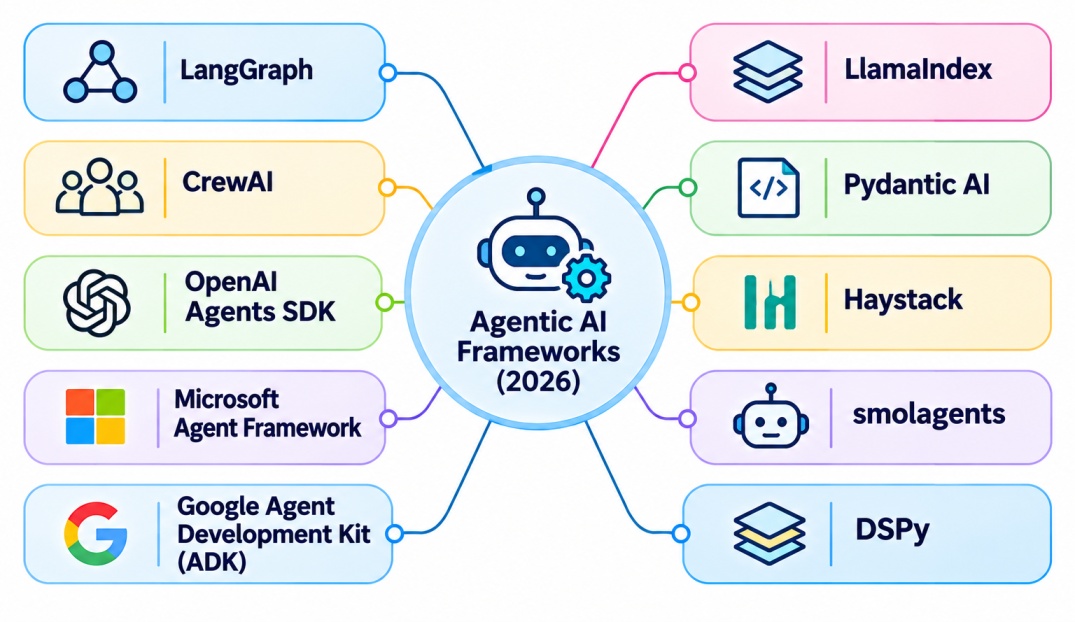
Top Agentic AI Frameworks List
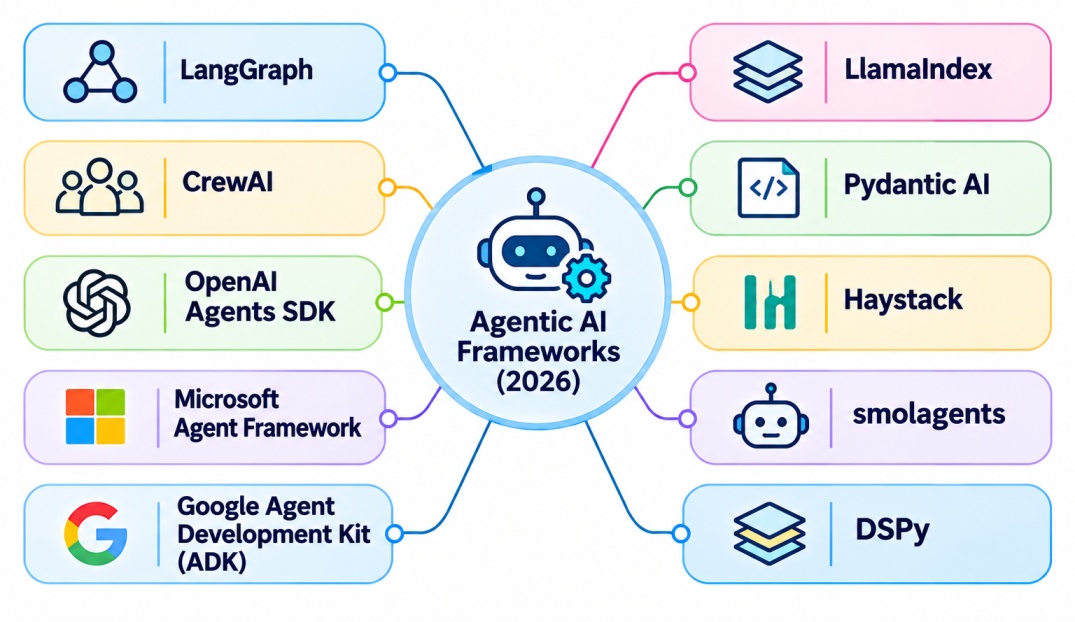
The table below is a quick agentic AI frameworks list, covering the top agentic AI frameworks developers are using in 2026.
Framework | Main Languages | Best For |
LangGraph | Python, TypeScript | Stateful, long-running workflows |
CrewAI | Python | Role-based teams of agents |
OpenAI Agents SDK | Python, TypeScript | Lightweight tool-using agents |
Microsoft Agent Framework | .NET, Python | Enterprise and Azure applications |
Google Agent Development Kit (ADK) | Python, TypeScript, Go, Java | Gemini and Google Cloud projects |
LlamaIndex | Python, TypeScript | Document-heavy and Retrieval Augmented Generation (RAG) agents |
Pydantic AI | Python | Type-safe business applications |
Haystack | Python | Retrieval-first production pipelines |
smolagents | Python | Prototypes and local models |
DSPy | Python | Optimizing prompts and pipelines |
Agentic AI Frameworks Comparison
Choosing between agentic AI frameworks is how much control you need, how many agents you plan to run, and which ecosystem you already use.
This agentic AI frameworks comparison below covers the six most common choices.
Factor | LangGraph | CrewAI | OpenAI Agents SDK | Microsoft Agent Framework | Google ADK | LlamaIndex |
Control over flow | Very high | Medium | Medium | High | High | Medium |
Multi-agent support | Strong | Strong, role-based | Handoffs | Strong | Strong | Moderate |
Learning curve | Steeper | Gentle | Gentle | Moderate | Moderate | Moderate |
State and persistence | Built in | Built in | Sessions, external for long runs | Built in | Built in | Built in |
Ecosystem fit | Model-agnostic | Model-agnostic | Best with OpenAI models | Azure and .NET | Google Cloud and Gemini | Data and RAG stacks |
Best use | Production workflows | Business automation | Simple agents and voice | Enterprise apps | Cloud-native agents | Knowledge agents |
Ratings here are general guidance. Features change often, so check each project's current documentation before you commit.
Now we will explore how you can build an AI agent using agentic AI frameworks Python.
How to Build an AI Agent Using a Framework?
The example below is an order-support agent. To keep it runnable without an API key, the reasoning step is a simple stand-in function. In a real project you would replace that function with a call to a language model or with an open source LLM.
Step-by-Step Process
Install the framework. Run pip install langgraph.
Define the state. This is the shared data every step can read and update.
Write the tools. These are plain Python functions the agent can call.
Create the steps (nodes). One step reasons about what to do, and another runs the tool.
Connect the steps. Add edges and a rule that decides whether to call a tool or finish.
Compile and run. Pass in a question and read the final answer.
Python Code Example
import re
from typing import TypedDict
from langgraph.graph import StateGraph, START, END
ORDERS = {"A1001": "shipped, arriving Friday", "A1002": "processing"}
def get_order_status(order_id: str) -> str:
"""Tool: look up an order in a (mock) database."""
return ORDERS.get(order_id, "order not found")
class AgentState(TypedDict):
question: str
tool_result: str
answer: str
def reason(state: AgentState) -> dict:
"""Stand-in for an LLM call. A real agent would let a model choose the next step."""
if not state.get("tool_result"):
return {} # decide: a tool is needed first
return {"answer": f"Your order is {state['tool_result']}."}
def call_tool(state: AgentState) -> dict:
order_id = re.search(r"A\d+", state["question"]).group()
return {"tool_result": get_order_status(order_id)}
def route(state: AgentState) -> str:
return END if state.get("answer") else "tool"
graph = StateGraph(AgentState)
graph.add_node("reason", reason)
graph.add_node("tool", call_tool)
graph.add_edge(START, "reason")
graph.add_conditional_edges("reason", route, {"tool": "tool", END: END})
graph.add_edge("tool", "reason")
app = graph.compile()
result = app.invoke({"question": "Where is order A1001?", "tool_result": "", "answer": ""})
print(result["answer"])
Output:
"Your order is shipped, arriving Friday."
The agent starts at the reasoning step, finds it has no data yet, routes to the tool, and then loops back to produce the answer. That loop of reason, act, and observe is the heart of every agent, and it is the same idea whether you use LangGraph, CrewAI, or any other of the top agentic AI frameworks.
Turning the Example into a Real Agent
To make this a real agent, replace the reason function with a call to a chat model that can request tools, and let the model decide which tool to call and with what inputs. Add a checkpointer so the run can be saved and resumed, and add an approval step before any action that changes data, such as a refund.
Other frameworks follow the same pattern with different names. CrewAI calls the pieces agents, tasks, and crews. The OpenAI Agents SDK calls them agents, tools, and handoffs.
Best Practices & Common Challenges When Working With Agentic AI Frameworks
Agentic AI frameworks make agents easier to start and harder to run well. Most teams find that the early demo works in an afternoon, while reliability takes months.
Challenge | Why It Happens | Best Practice |
Unreliable tool calls | Models pick wrong tools or send bad inputs | Give tools clear names, strict input schemas, and validation |
Runaway loops and cost | Agents keep retrying or calling the model | Set step limits, token budgets, and timeouts |
Lack of visibility | Failures hide inside long chains of calls | Turn on tracing and log every tool call and decision |
Too many agents | Extra roles add cost, latency, and failure points | Start with one agent and split only when it clearly helps |
Unsafe actions | Agents act on bad or injected instructions | Use least privilege and require approval for sensitive steps |
Prompt injection | Hostile text in documents or web pages redirects the agent | Treat outside content as untrusted data and filter outputs |
Memory bloat | Too much stored context confuses the model | Summarize, trim, and retrieve only what is relevant |
Hard to test | Outputs vary from run to run | Build evaluation sets with real tasks and track results over time |
Framework lock-in | Code ties tightly to one vendor's abstractions | Keep business logic and tools separate from framework code |
Fast-changing APIs | Frameworks release breaking changes often | Pin versions and read release notes before upgrading |
Choosing the Right AI Agent Frameworks
Start from the problem, not the popularity.
If you need explicit control, approvals, and recovery, a graph-based tool such as LangGraph or Microsoft Agent Framework fits well.
If the task divides naturally into specialist roles, CrewAI is a gentle starting point. If you want a simple agent with tools and handoffs, the OpenAI Agents SDK keeps things small.
If your agent mainly reads documents, LlamaIndex or Haystack are strong choices. Many of the AI agent frameworks listed above overlap, so the deciding factors are usually team skills and deployment needs.
Conclusion
The field moves quickly, and the strongest options in 2026 differ mainly in how much control they give you and which ecosystem they favor. LangGraph leads for controlled workflows, CrewAI for role-based teams, the OpenAI Agents SDK for lightweight agents, and Microsoft Agent Framework and Google ADK for their respective clouds.
The safest way to choose is to build a small version of your real use case in two frameworks, measure reliability and cost, and keep human approval in place for anything risky. Treat the framework as one layer of the system. Good tools, clean data, strong evaluation, and careful permissions matter just as much.